Snippets
Say a short phrase and the whole text is typed.
“sign off”
types Thanks! Talk soon, Arpan
“my address”
types 221B Baker Street, London NW1 6XE
“calendar”
types cal.com/arpan/30min
Omil is free dictation for your Mac. Hold a key, talk, and clean text lands wherever you were typing.
In any app, wherever your cursor is.
Pause, restart, change your mind halfway.
Omil drops the filler and follows your correction.
No window to open, nothing to paste.
Say it the way it comes out. Omil keeps the sentence you were reaching for, and its Changes view shows exactly what it did.
Original: Um, so I think we should, uh, ship it on Friday. No wait, Thursday.
Cleaned: I think we should ship it on Thursday.
Teach it your phrases and your names once. All of it stays on your Mac.
Say a short phrase and the whole text is typed.
“sign off”
types Thanks! Talk soon, Arpan
“my address”
types 221B Baker Street, London NW1 6XE
“calendar”
types cal.com/arpan/30min
Teach it the names and terms it mishears, once.
our pan
becomes Arpan
cube and eighties
becomes Kubernetes
post grass
becomes PostgreSQL
No account, no cloud, no subscription. Recognition and cleanup run on the machine in front of you, and the source is public.
The internet is used for the first setup and for updates. Nothing you say is sent anywhere.
Coming soon
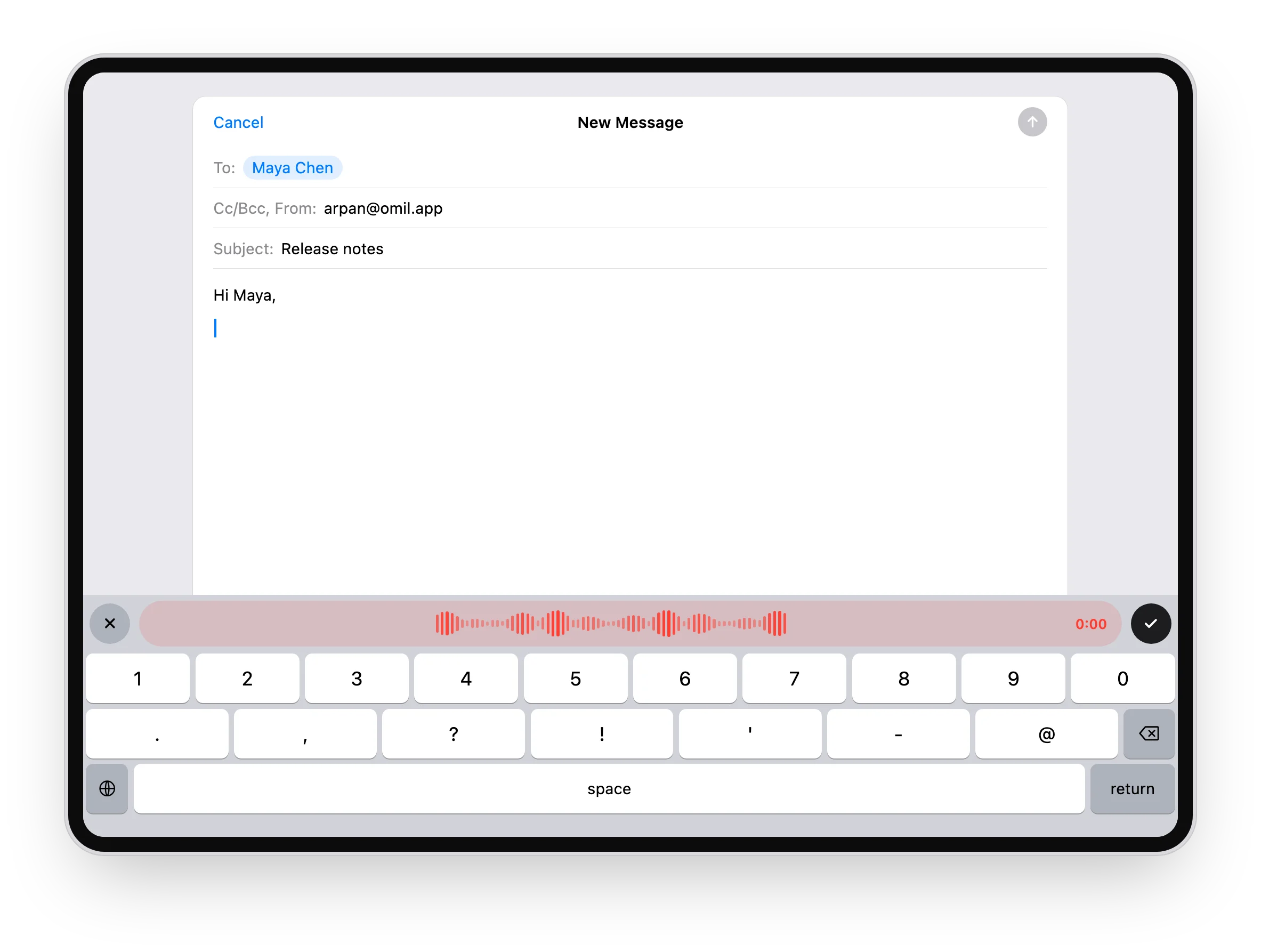
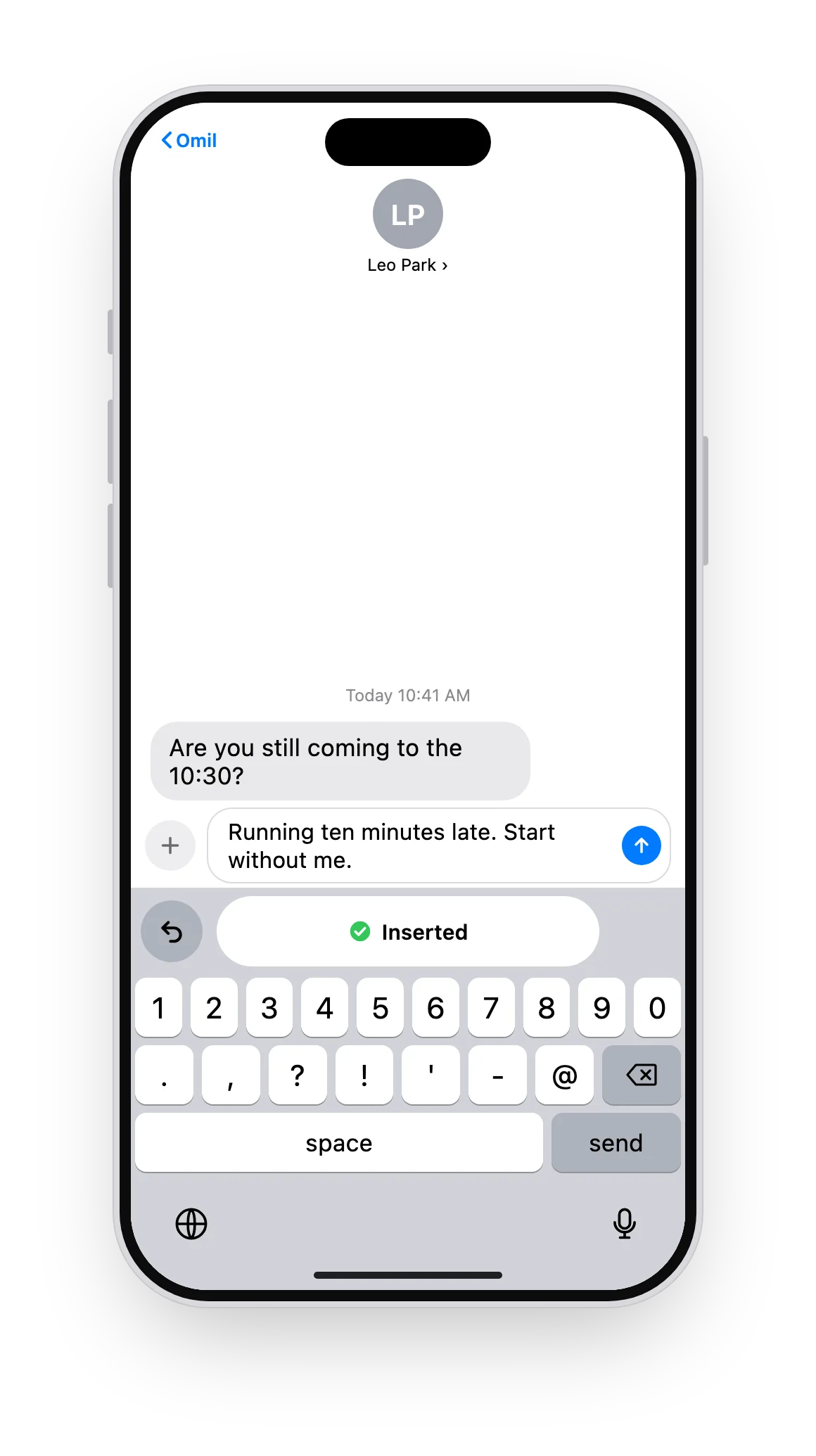
Pair once, then tap the mic on the Omil keyboard in any app. Your Mac does the transcribing, so it stays free and private.
Something else? Ask on GitHub.
Yes. There is no account, no trial and no paid plan. Omil runs on your own Mac, so there is nothing to charge for.
An Apple silicon Mac with macOS 14 or later. On first launch Omil sets up its speech tools and downloads what it needs to run offline.
English, for now.
No. Recording, recognition and cleanup all happen on your Mac. An internet connection is only needed for the first setup and for updates.
Any app with a text field. Omil types into the field you were using, with your permission through Accessibility.
Yes. Switch between Clean and Verbatim at any time, add dictionary words and snippets, or edit the cleanup prompt itself.
It does the same job: hold a key, speak, and clean text is typed for you. The difference is that Omil runs on your Mac, needs no account and costs nothing.
Coming soon. The Omil keyboard sends your dictation to your Mac for transcription, so it stays free and private too.